
 English
 русский
 Español
Home / News / Industry News / Printable Shrink Film: Complete Guide to Materials, Printing Methods, and Getting Professional Results
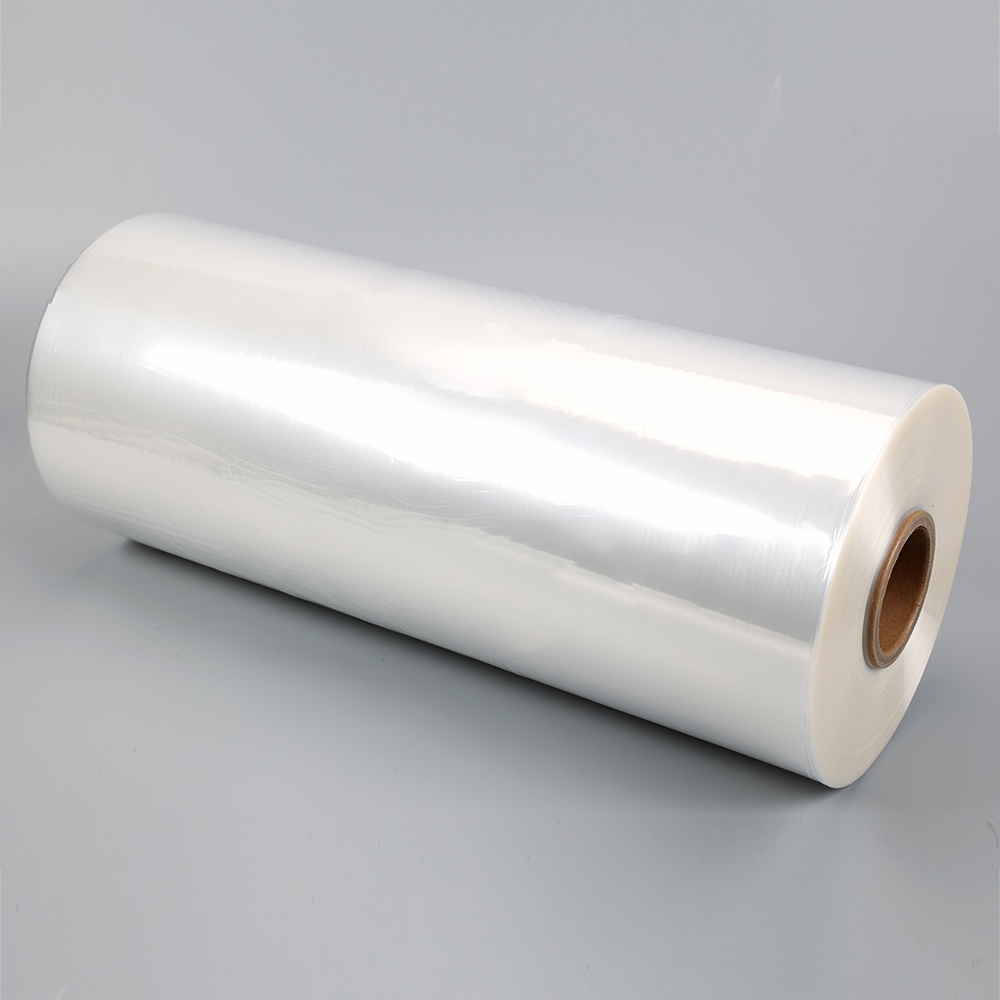
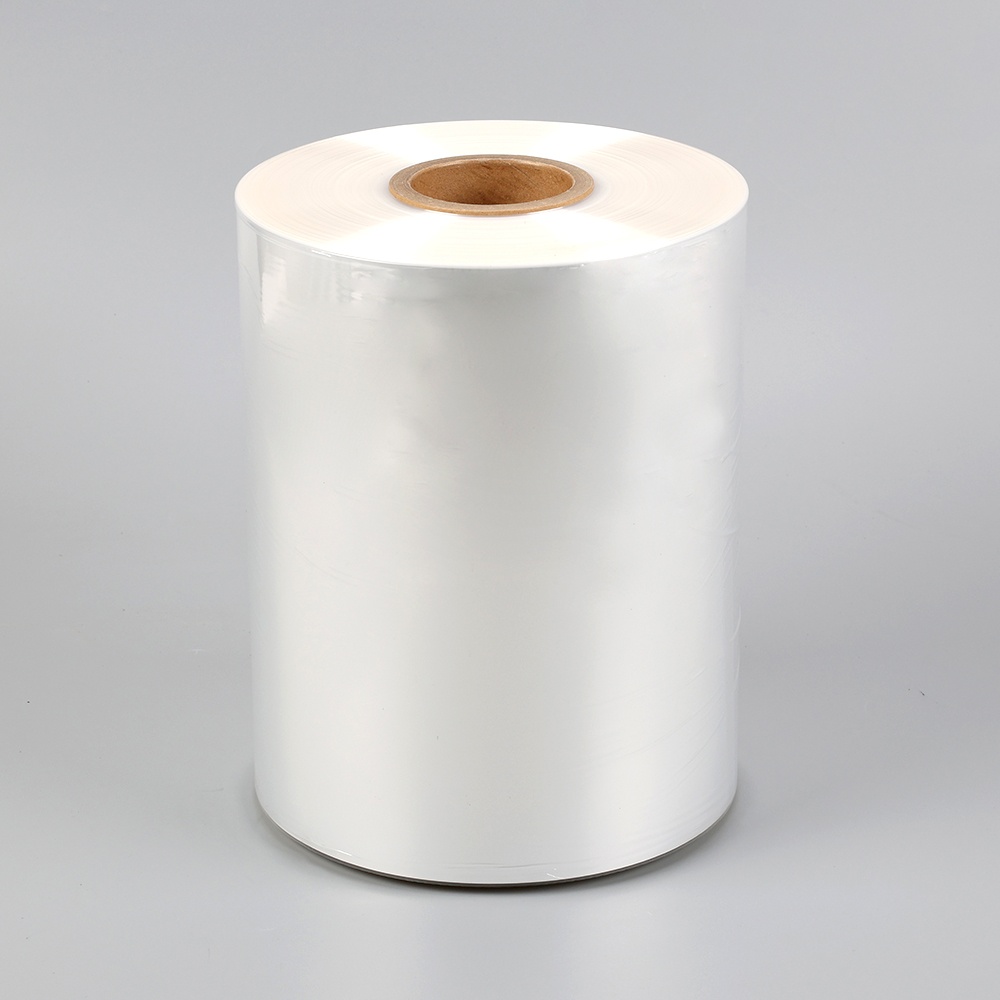
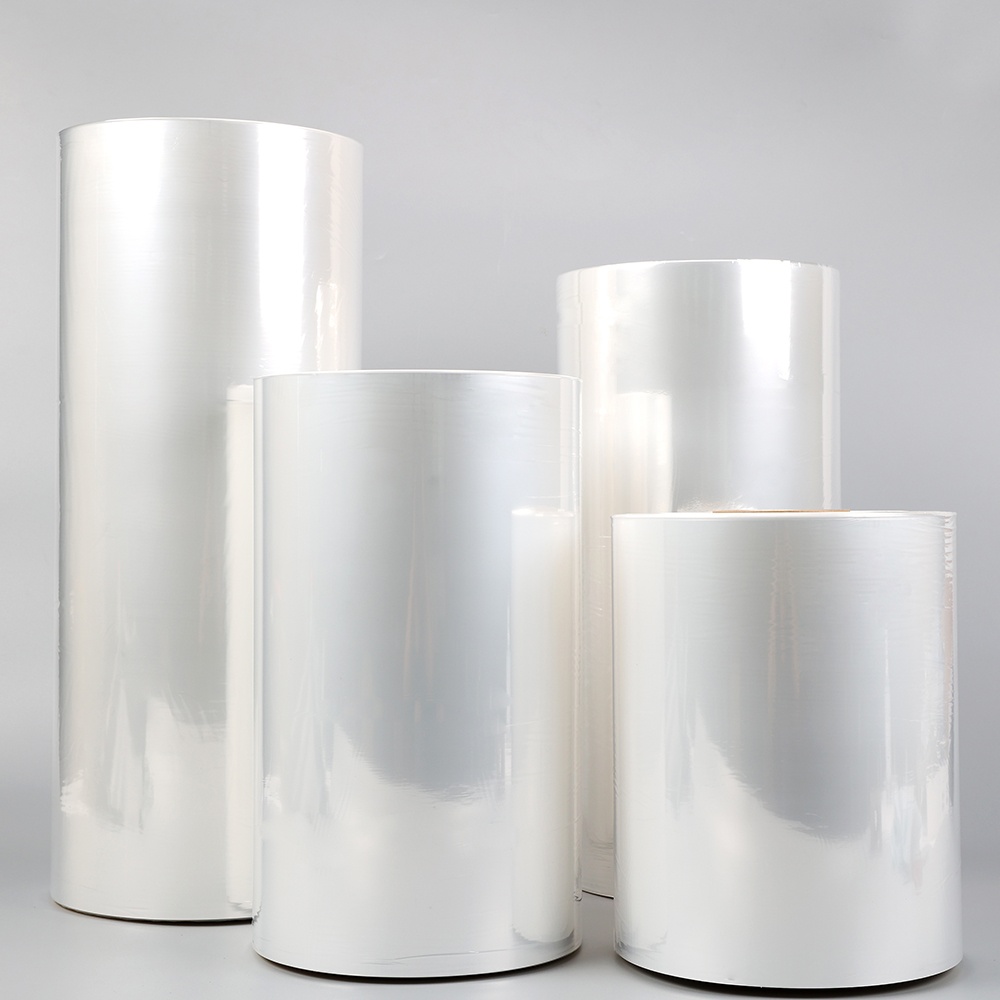
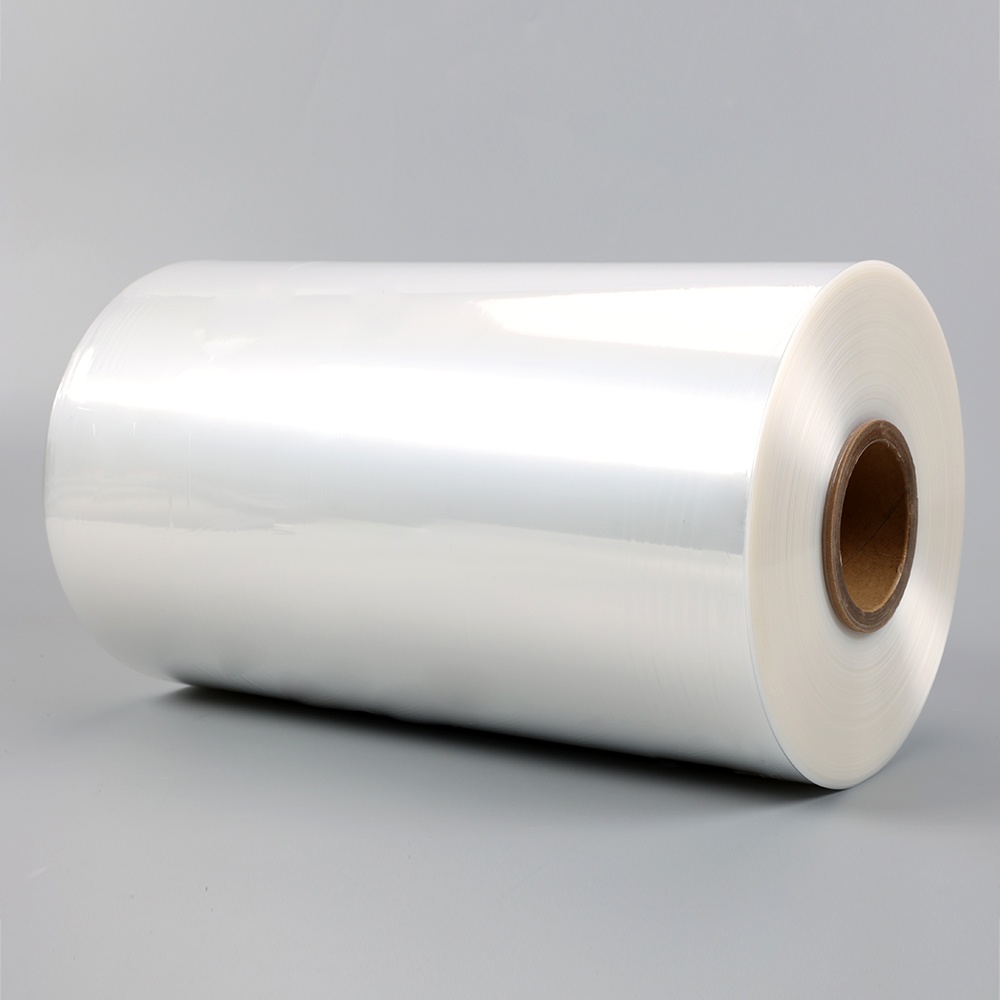
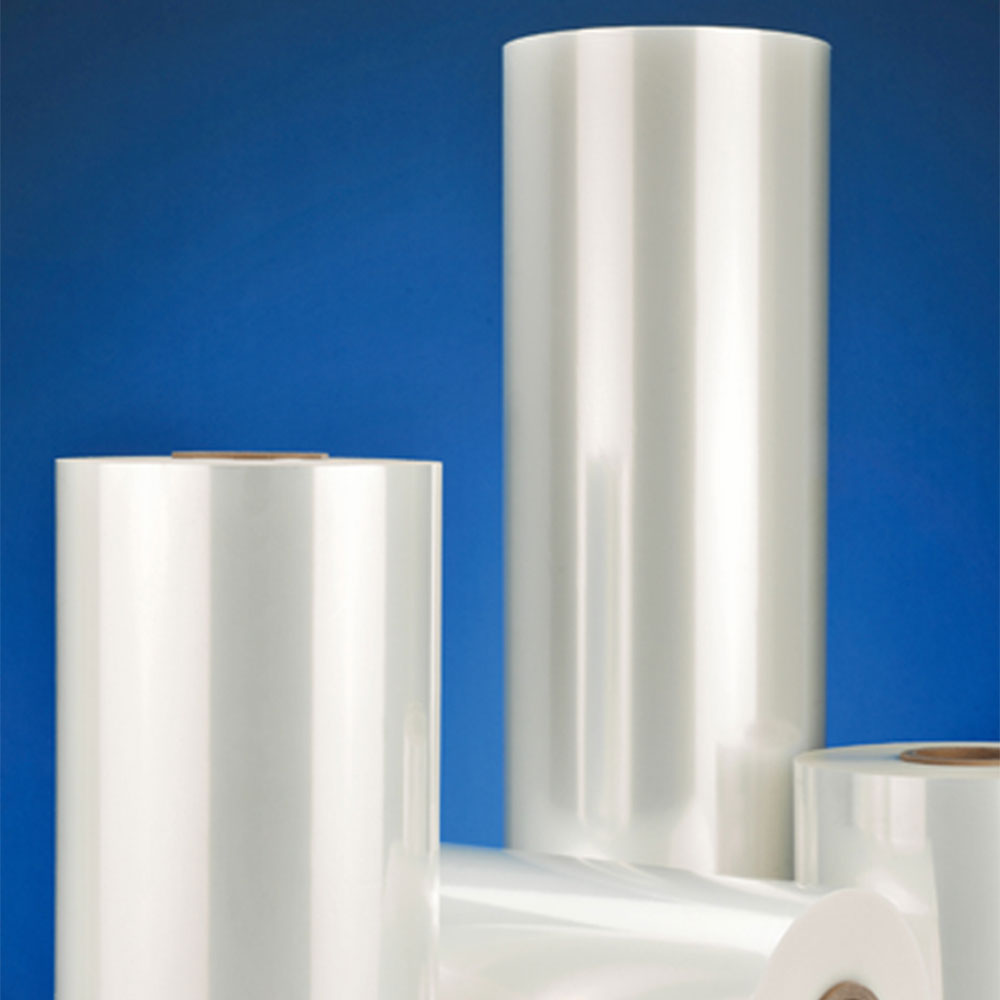
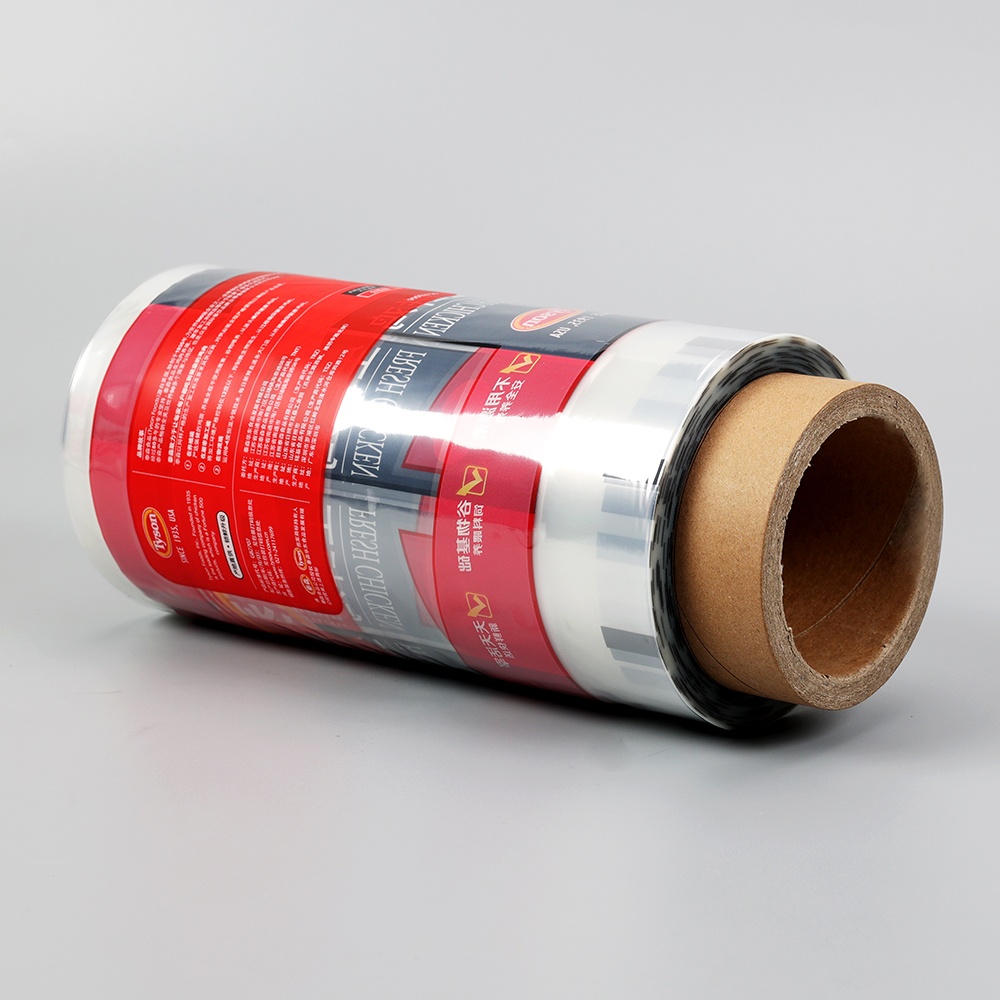
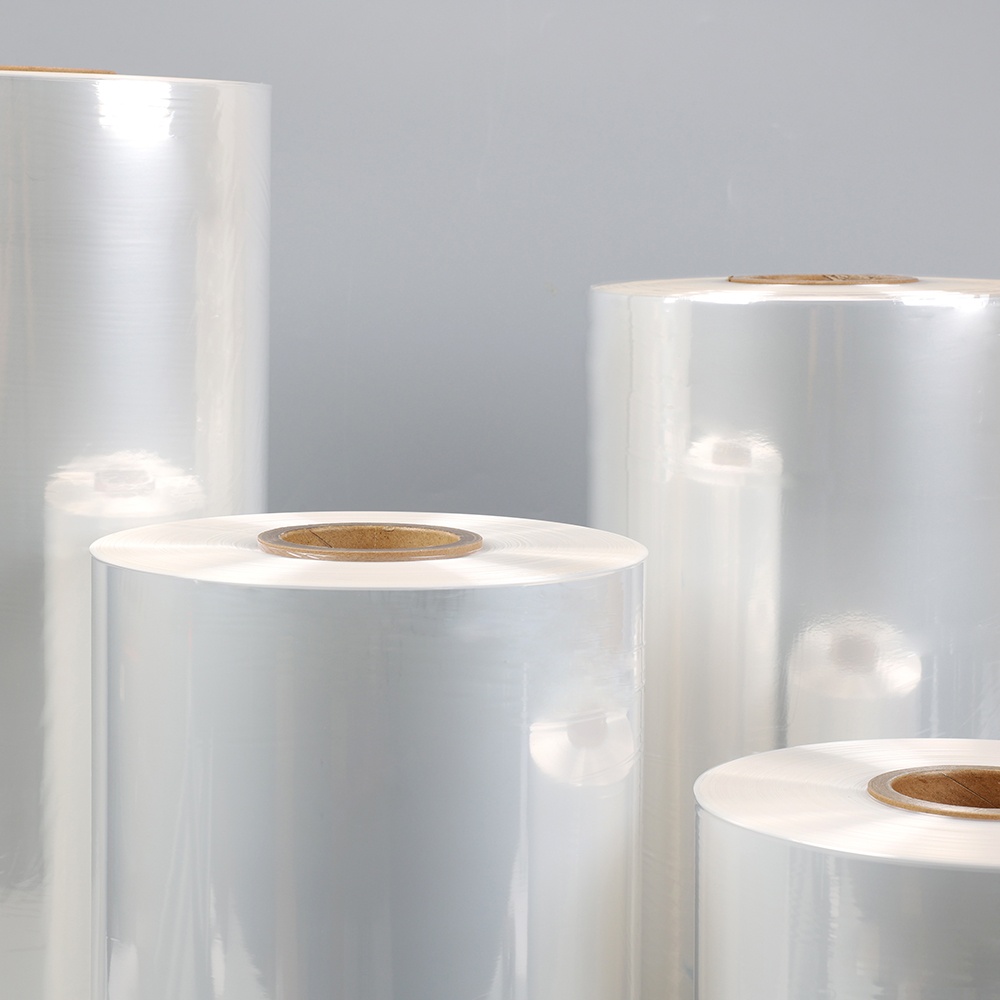
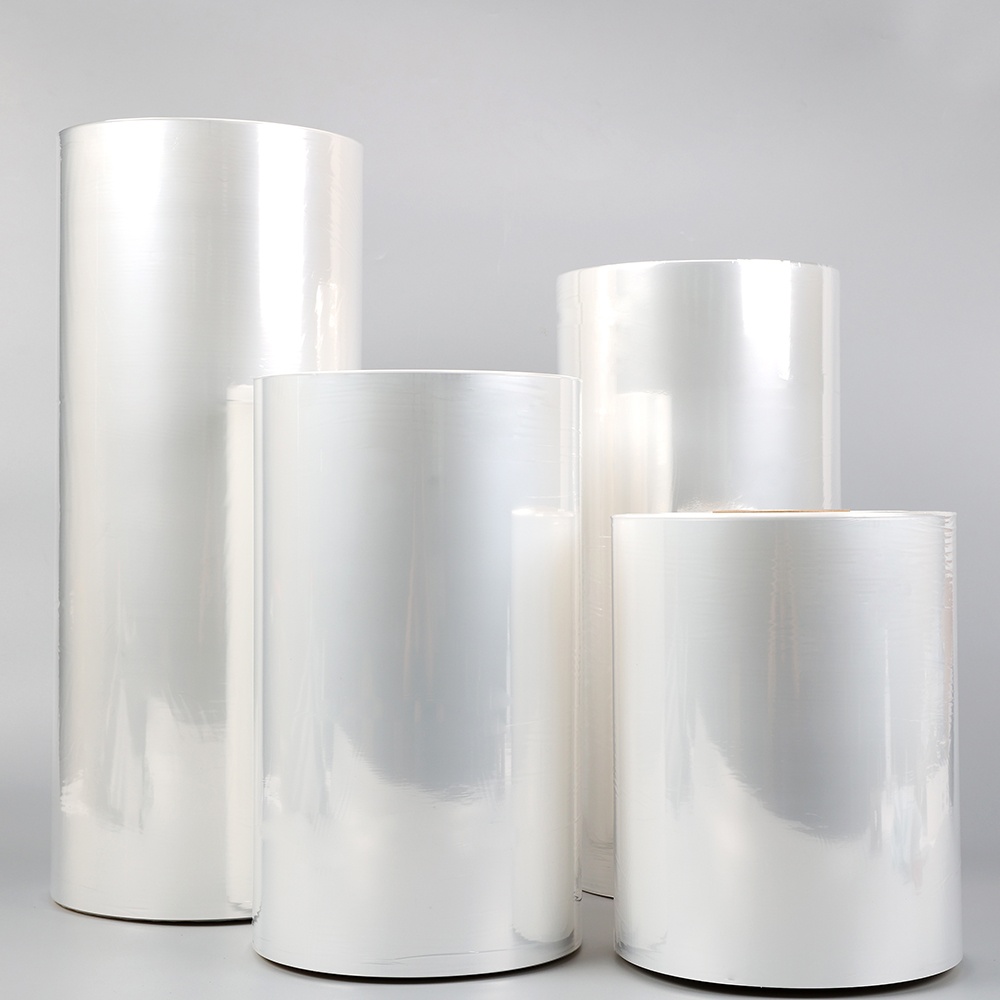
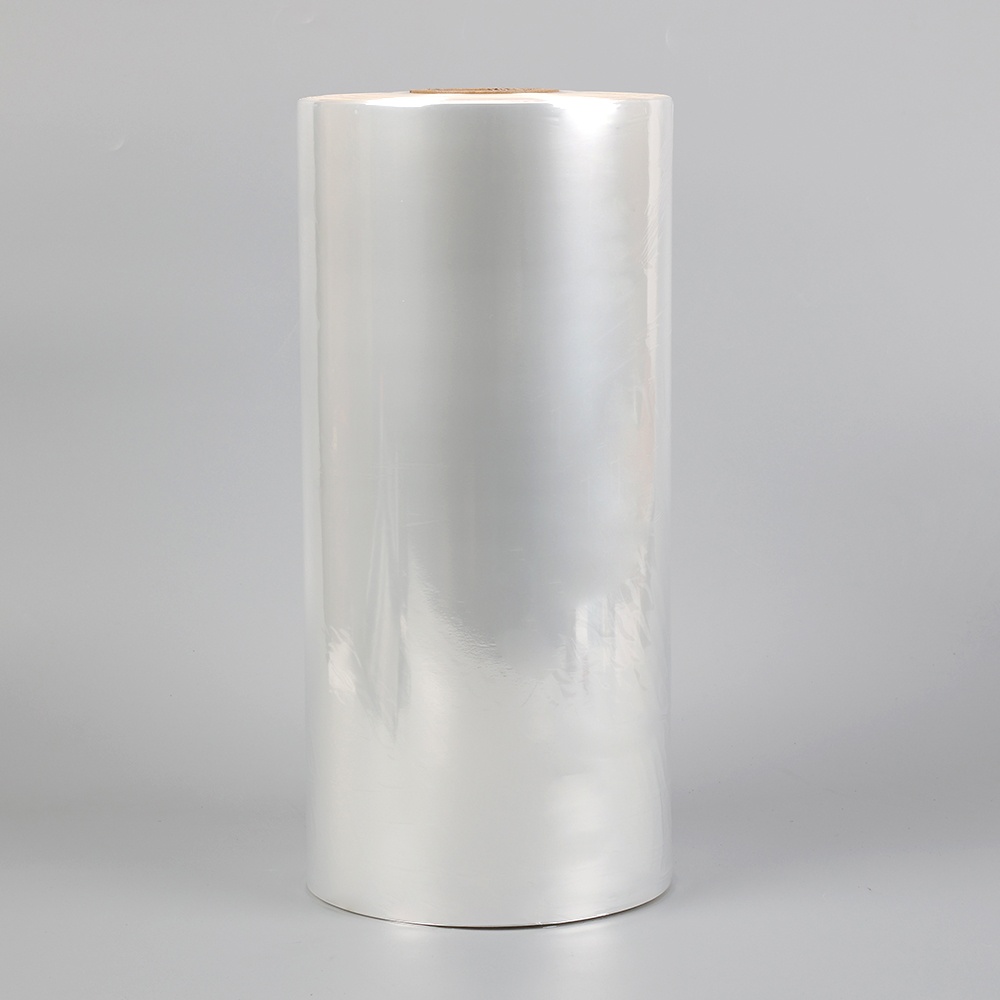
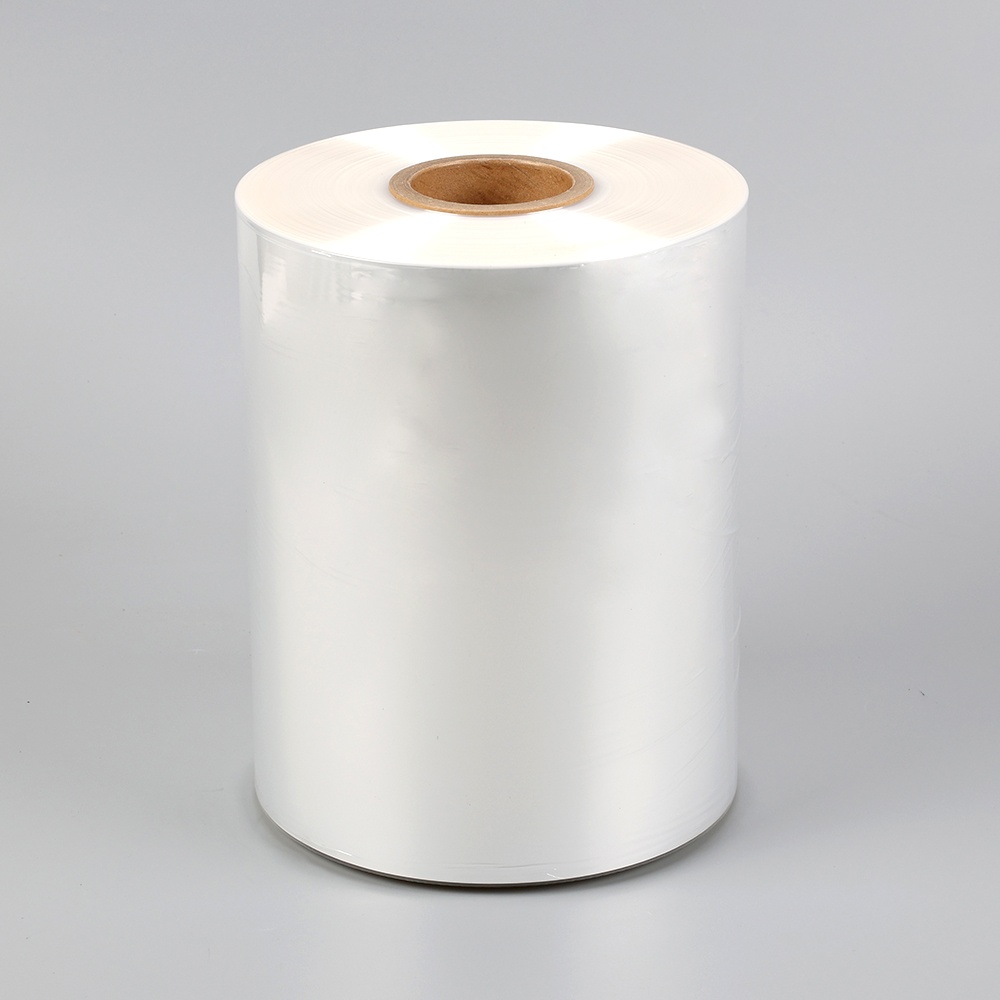
Printable shrink film is a specialty plastic substrate engineered to accept ink from inkjet, laser, or commercial printing systems and then contract uniformly when exposed to heat — either from a heat gun, convection oven, or heat tunnel — to conform tightly around a product, container, or three-dimensional object. The combination of printability and heat-shrink behavior makes this material the foundation of shrink sleeve labels, shrink-wrap packaging, promotional tamper-evident seals, and craft shrink art projects. Understanding how printers shrink film works at a material science level helps buyers and designers make better decisions about substrate selection, artwork preparation, and heat application parameters.
The shrinking behavior is a result of the film's biaxial orientation — during manufacturing, the plastic material is stretched under heat in one or both directions, aligning the polymer chains and locking internal stress into the film structure. When heat is reapplied above the film's glass transition temperature, these polymer chains relax back toward their original unstretched state, causing the film to contract. The shrink ratio — expressed as a percentage of the original dimension — determines how much the printed artwork must be pre-distorted to appear correct after shrinkage. A film with 50% shrinkage in the horizontal axis requires all horizontal design elements to be stretched to double their final intended width before printing, so that they compress back to the correct proportions when heat is applied.
Not all shrink films are printable, and not all printable shrink films are compatible with every printer type. The substrate material determines ink adhesion characteristics, shrink ratio, clarity, chemical resistance, and the maximum temperature the film can withstand during printing without distortion. The following material categories represent the most widely used printer-compatible shrink films across both industrial packaging and craft applications.
Polyvinyl chloride (PVC) shrink film has historically dominated the shrink sleeve label market because of its high shrink ratio — typically 50 to 70 percent in the primary shrink direction — excellent clarity, and relatively low cost. PVC printable shrink film accepts solvent-based inks and UV-curable inks readily, and its surface energy characteristics make it compatible with both flexographic and gravure printing processes used in high-volume label production. However, PVC contains chlorine and produces hydrochloric acid gas when incinerated, creating significant environmental and recycling challenges. Many brand owners in consumer packaged goods have moved away from PVC shrink film for printing toward more sustainable alternatives, though PVC remains widely used in industrial and tamper-evident applications where its low cost and high shrink ratio are prioritized.
Glycol-modified polyethylene terephthalate (PETG) shrink film has largely replaced PVC in premium shrink sleeve label applications for beverage, personal care, and food packaging. PETG printable shrink film offers shrink ratios of 65 to 78 percent in the transverse direction, exceptional optical clarity with a high-gloss finish that enhances printed color vibrancy, and compatibility with the PET recycling stream — a critical advantage for sustainability-focused brand owners. PETG accepts UV flexo, gravure, and digital UV inkjet inks with excellent adhesion when appropriately corona-treated, and the resulting printed shrink sleeve delivers a 360-degree, high-resolution label that conforms perfectly to complex container shapes including deep contours, undercuts, and reverse tapers that paper labels cannot follow.
Oriented polystyrene (OPS) shrink film is valued for its very low haze, exceptional stiffness relative to its thin gauge, and compatibility with solvent-based printing inks. OPS printable shrink film is widely used for battery sleeves, CD/DVD packaging, and multi-pack bundling applications where its high clarity and good printability at gauges between 30 and 50 microns make it an economical choice. OPS shrinks primarily in the transverse direction with ratios of 50 to 65 percent, and requires careful tunnel temperature management because its narrow processing window — the temperature range between onset of shrinkage and onset of distortion — is tighter than PETG or PVC, requiring precise heat control in production environments.
Polyolefin (POF) and polyethylene (PE) shrink films are the dominant materials in product bundling and overwrap packaging applications, and printable grades within these families are used for printed retail shrink bundles, multi-pack wraps, and promotional sleeve applications. POF printable shrink film is biaxially oriented, offering balanced shrinkage in both machine and transverse directions of approximately 40 to 60 percent, which provides a smooth, tight wrap around irregular product bundles. PE shrink film for printing is typically used at heavier gauges for industrial bundling with printed lot codes, barcodes, and handling instructions applied via thermal transfer overprinting or flexographic printing inline with the shrink packaging line.
For craft, small business, and prototyping applications, specially coated shrink film sheets designed for desktop inkjet and laser printers are available in standard letter and A4 formats. These printer shrink film sheets are coated with a receptor layer that anchors aqueous inkjet dye and pigment inks or accepts dry toner from laser printers without smearing, beading, or cracking during the subsequent heat-shrink step. Inkjet printable shrink film typically achieves 50 to 60 percent size reduction when heated, while laser printable shrink film grades are formulated to withstand the fusing temperatures inside laser printers — typically 180 to 220°C — without premature shrinkage occurring inside the printer, which would cause a paper jam and potentially damage the fuser assembly.
Selecting the wrong shrink film for a specific printer type is the single most common cause of poor print quality, ink adhesion failure, and printer damage in both industrial and desktop shrink film printing applications. The table below outlines the compatibility between printer types and the shrink film substrates suitable for each.
| Printer Type | Compatible Shrink Film | Ink Type Required | Key Considerations |
| Desktop Inkjet | Coated inkjet shrink film sheets | Aqueous dye or pigment | Feed single sheets; use matte setting; allow full dry time before heating |
| Desktop Laser | Laser-rated shrink film sheets | Dry toner | Must be rated for fuser temp; feed manually one sheet at a time |
| Wide-Format Inkjet | Roll-fed coated PETG or PVC | Aqueous, solvent, or latex | Requires correct ICC profile; tension control critical to prevent distortion |
| UV Flatbed / Roll Inkjet | PETG, PVC, OPS roll stock | UV-curable inkjet | UV cure must be fully flexible to avoid cracking during shrink |
| Flexographic Press | PETG, PVC, OPS, POF roll stock | UV flexo or solvent-based | Industry standard for high-volume shrink sleeve production |
| Gravure Press | PETG, PVC, OPS roll stock | Solvent-based gravure inks | Highest color consistency; used for premium beverage and cosmetic labels |
A critical detail for desktop laser printer users is verifying that the shrink film product is explicitly rated for laser printing before inserting it into the printer. Generic shrink film or craft shrink plastic not designed for laser printers will begin to shrink inside the fuser unit, wrapping around the fuser roller and causing a severe jam that can require professional repair. Always purchase shrink film sheets that are specifically labeled as laser printer compatible and that specify the fusing temperature range they can withstand without premature activation.
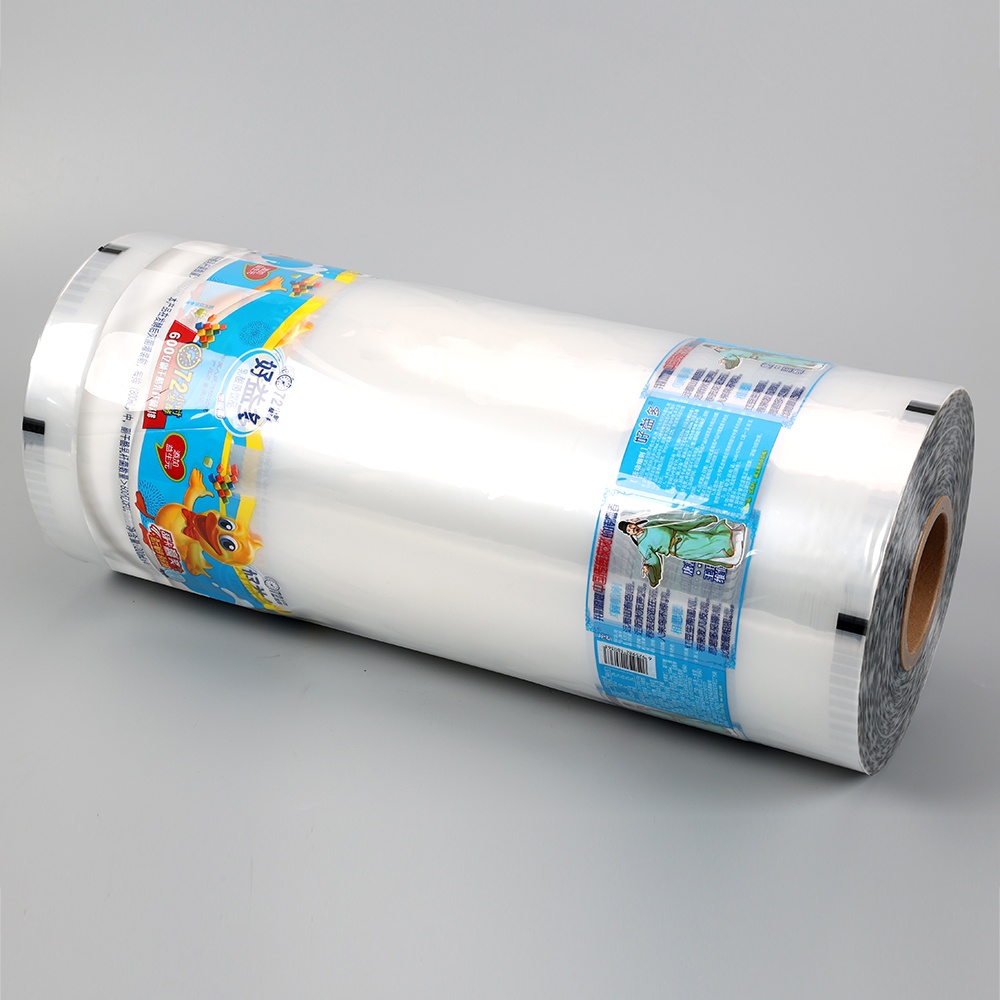
Preparing artwork correctly for printed shrink film is fundamentally different from preparing artwork for any flat substrate. Because the film contracts significantly after printing — in some cases to less than half its original printed size — all design elements must be pre-distorted in the opposite direction of the shrink to ensure they appear at the correct proportions, dimensions, and aspect ratio after heat application. Failure to apply the correct pre-distortion is the most common cause of distorted logos, illegible text, and incorrect barcode aspect ratios on finished shrink-wrapped products.
Pre-distortion calculation begins with knowing the film's shrink ratio in each axis — the percentage by which the printed dimension will reduce during heating. For a PETG shrink sleeve film with 70% transverse direction (TD) shrinkage and 5% machine direction (MD) shrinkage, the artwork must be scaled to 1/(1 - 0.70) = 3.33× its final intended width in the TD axis, while the MD axis requires only a 1.05× pre-stretch to compensate for minor machine direction shrinkage. In practice, this means a label intended to be 100 mm wide after shrinking must be printed at 333 mm wide before shrinking. Design software such as Adobe Illustrator handles this through the Transform or Scale function, applied independently to horizontal and vertical axes. For complex designs with circular elements and text that must remain round after shrinking, the pre-distortion must be applied consistently to every design element including stroke weights, which also scale with the artwork.
Color accuracy on printed shrink film requires substrate-specific ICC profiles loaded into the RIP software or printer driver. The optical properties of the film substrate — particularly its gloss level, haze, and base tint — affect how printed ink colors appear both before and after shrinking. Colors typically intensify slightly during the shrink process as the ink layer compresses, increasing ink density per unit area. This color shift must be anticipated during proofing and accounted for in the final ink formulation or digital color correction. White ink underprinting — printing an opaque white layer beneath the color artwork — is standard practice for transparent shrink film applications where the label must appear opaque and vivid against the product or container behind it.
Barcodes on printed shrink film sleeves require special attention because the pre-distortion that makes logos and images look correct after shrinking affects barcode bar widths and quiet zones in ways that can render them unscannable. For 1D barcodes such as EAN-13 and UPC-A, the bars must run parallel to the machine direction (the low-shrink axis) so that bar width and spacing remain accurate after the high transverse-direction shrink occurs — placing bars parallel to the high-shrink axis would compress them below minimum bar width tolerances and cause scanner failures in retail checkout environments. Barcode grade verification using a calibrated barcode verifier after the shrink process is applied to production samples should be a mandatory quality step before approving artwork for high-volume shrink sleeve printing.
The quality of the final printed shrink film result — whether smooth and conforming or wrinkled, blistered, and uneven — is determined as much by the heat application method as by the print quality itself. Different heat sources deliver different shrink results, and matching the heat application method to the film type and application geometry is essential for professional outcomes.
A heat gun with adjustable temperature settings between 150°C and 300°C is the most accessible heat application tool for small-batch and craft shrink film printing applications. The technique for achieving a smooth, wrinkle-free shrink result with a heat gun requires keeping the gun 10–15 cm from the film surface, using constant circular or sweeping motion rather than holding the heat in one spot, and starting from the center of the film working outward toward the edges. For shrink sleeves applied to cylindrical containers, rotating the container slowly while applying heat evenly around the circumference prevents hot spots and uneven shrinkage that creates dog-ear creases at the edges. Practice on scrap material to calibrate technique before applying heat to production-printed pieces.
A standard kitchen convection oven or a dedicated craft heat oven provides the most controlled and repeatable heat environment for desktop printer shrink film sheet projects. Printed shrink film pieces are placed on a parchment-lined baking tray in a single layer without overlapping, and the oven is preheated to 160–175°C. The film typically completes its shrink cycle within 1 to 3 minutes in a convection oven; removing pieces promptly and pressing them flat with a heavy book or smooth object while still warm prevents curl and ensures flat finished pieces for jewelry, keychains, and label applications. Never use a microwave oven to shrink printed plastic film — microwave energy interacts unpredictably with the printed ink layer and may cause scorching, uneven shrinkage, or ignition of the film material.
Industrial production of printed shrink sleeve labels uses either steam tunnels or hot air shrink tunnels to apply heat uniformly to the film as containers pass through on a conveyor. Steam tunnels deliver precise, even heat with gentle directional control and are preferred for complex container shapes with deep contours, undercuts, and non-circular cross-sections where uniform heat distribution is critical to avoiding localized over-shrink or under-shrink. Hot air tunnels operate at lower production speeds but require less infrastructure investment and maintenance than steam systems, making them the preferred choice for medium-volume shrink sleeve lines. Tunnel temperature profile, conveyor speed, and steam or air volume must be calibrated specifically to the film type, gauge, shrink ratio, and container geometry for each new label application.
Printed shrink film serves a remarkably broad range of commercial packaging and product identification functions across consumer goods, beverage, pharmaceutical, industrial, and logistics sectors. Understanding the full scope of industrial applications helps packaging designers and procurement professionals recognize where shrink film printing technology can add value beyond its most familiar use as a bottle sleeve label.
Even with the correct film and printer combination, printed shrink film projects can produce suboptimal results if ink adhesion, pre-distortion, or heat application parameters are not properly managed. The following troubleshooting guide addresses the most frequently encountered problems in both desktop and industrial printed shrink film applications.
Ink smearing immediately after printing indicates insufficient surface energy on the film substrate to allow ink wetting and adhesion. Printable shrink film must be corona-treated or chemically primed to raise its surface energy above approximately 38 dynes/cm to allow aqueous inkjet inks to spread and bond rather than bead. If freshly purchased printable shrink film is producing smearing, verify that the coated side is being fed face-up into the printer — most coated film products have a printable side and a non-printable side that are difficult to distinguish visually. Conducting a simple water drop test on each side — the coated side will spread the droplet flat while the uncoated side will bead — confirms the correct print surface before loading a full sheet stack.
Ink cracking during heat application occurs when the cured ink film cannot elongate sufficiently to accommodate the dimensional change of the shrinking substrate. This is most commonly observed when UV-curable inks formulated for rigid substrates are used on shrink film without a flexible overprint varnish topcoat. Solutions include switching to a flexible UV ink formulation specifically approved for shrink film printing, reducing the ink lay-down thickness by lowering coverage percentages or increasing halftone frequency, applying a flexible laminate overcoat between the print and the shrink step, or selecting a solvent-based or aqueous ink system with inherently greater flexibility after curing.
Wrinkling, tunneling, and dog-ear creases in the finished printed shrink film are caused by uneven heat application that allows some areas of the film to reach shrink temperature while adjacent areas remain below it. In heat gun applications, the solution is slower, more even gun movement and working from the center outward. In tunnel applications, wrinkling indicates insufficient heat or conveyor speed that is too fast for complete shrinkage to occur before the container exits the heat zone. Increasing dwell time in the tunnel or raising temperature in the under-shrunk zones typically resolves the issue. For sleeves that show persistent wrinkling only at the base or shoulder of the container, adjusting the steam or air deflector positions within the tunnel to concentrate heat at those specific zones often provides a complete resolution.
Cross-Linked Shrink Film Explained: What It Is, How It Works, and When to Use It
Why EVOH High Barrier Shrink Film Is Ideal for Fresh and Secure Food Packaging
Mobile site

alibaba
Copyright © 2023 Zhejiang Zhongcheng Packing Material Co., Ltd. All Rights Reserved. Privacy Polyolefin Shrink Film Manufacturers